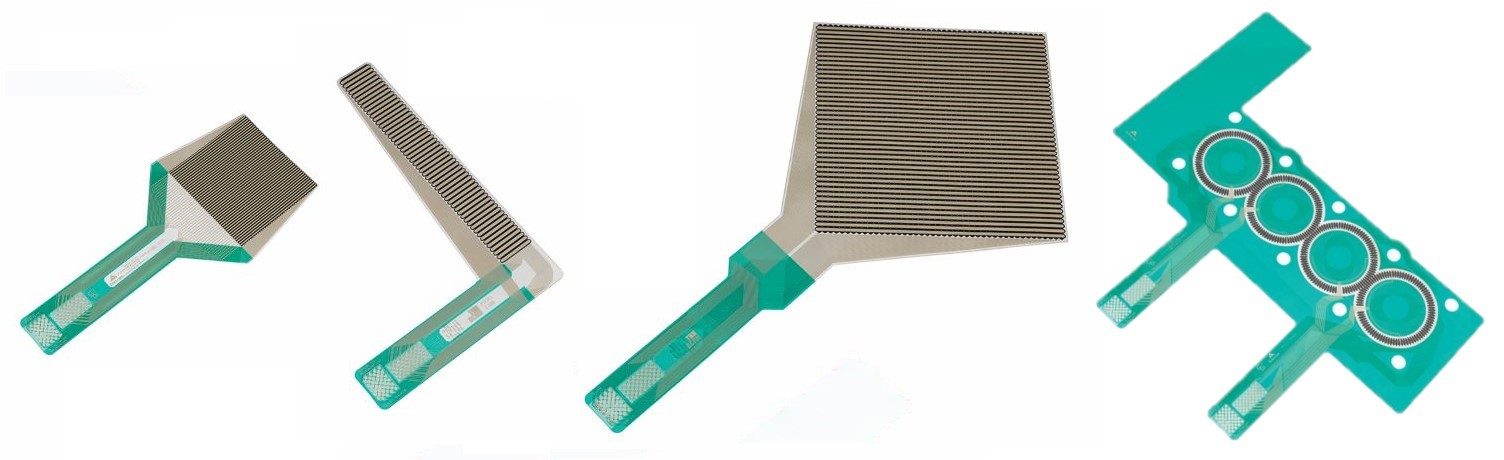
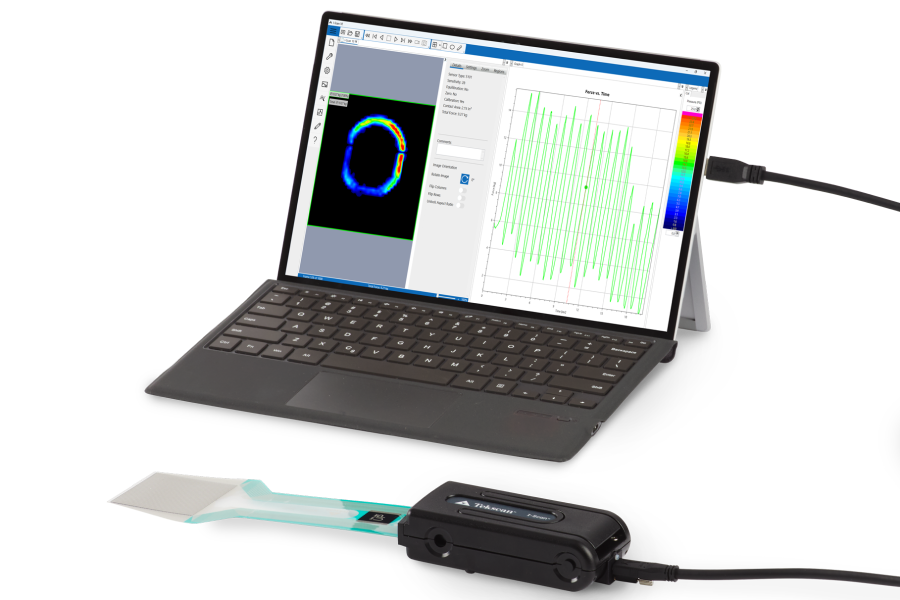
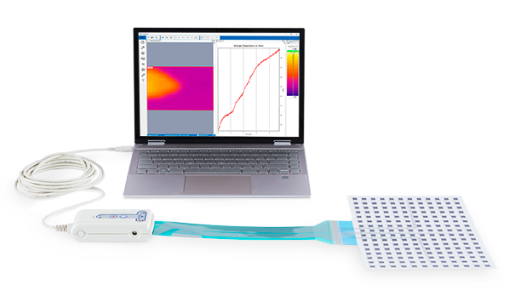
The versatile I-Scan tactile pressure mapping system is tailor-made by choosing from over 200 pressure sensors to meet your specific application requirements.
Download the I-Scan Product Selection Guide to help you choose the best product for your application.
Not available for online purchase.
Contact us for pricing
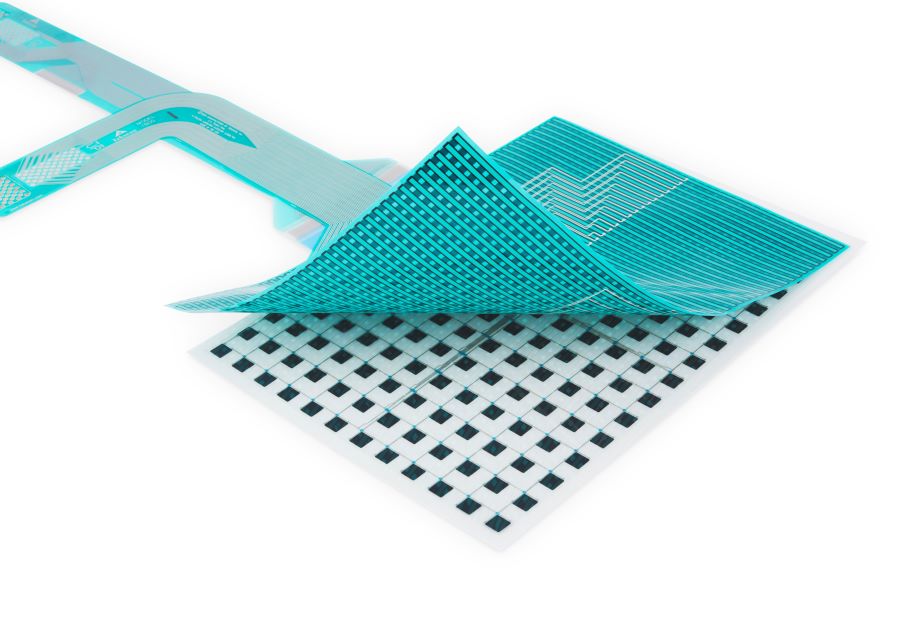
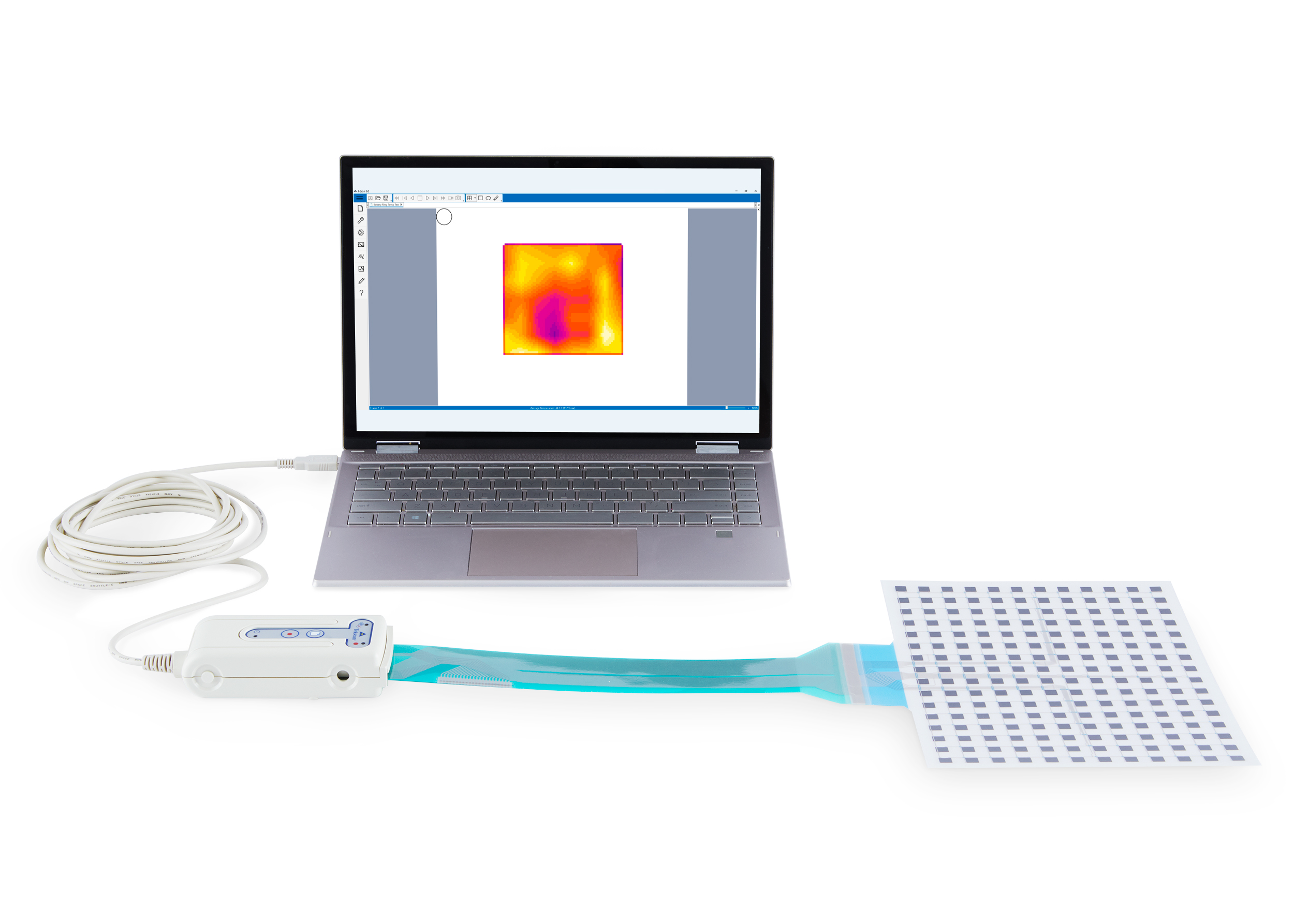
I-Scan™ is a powerful tool that accurately measures and analyzes interface pressure between two surfaces, utilizing a thin and flexible sensor. The system is comprised of data acquisition electronics, sensors, and software. Measuring both force and pressure, the exceptionally thin tactile sensor provides minimal interference between the objects being measured, allowing the true interface pressure data to be obtained. The interface pressure data collected offers vital information and insight to enhance product design, manufacturing, quality, and research.
Key Data
|
Utilization
|
"TMMK has been using the I-Scan system for the last two years, resulting in over 3,000 push/pull tests. The I-Scan provides our Safety and Engineering team with an accurate measuring device to record push/pull forces on a majority of our parts. The Tekscan system is easy to use and very dependable and has helped to improve our ergonomic initiative."
- John Whitaker, Assembly Safety Specialist, Toyota Motor Manufacturing, Kentucky
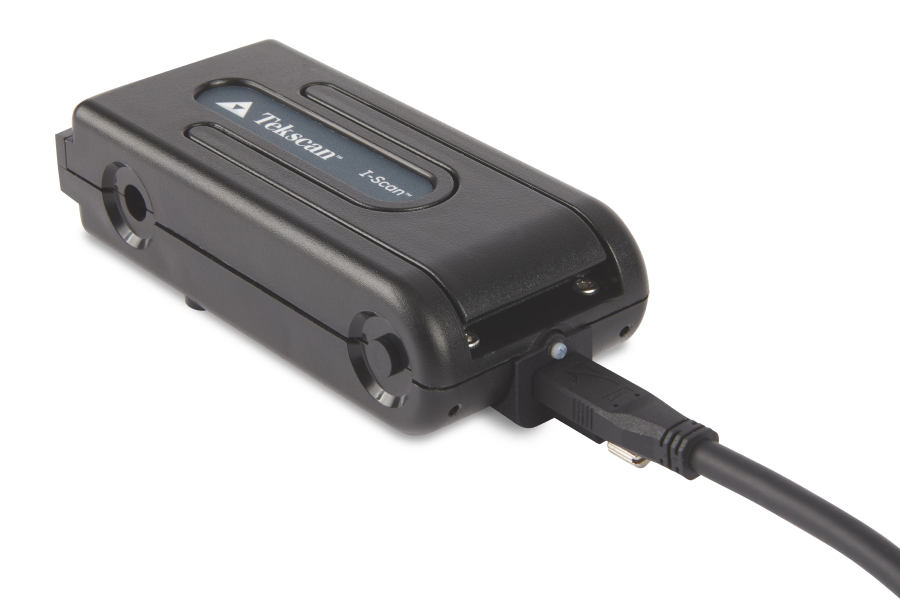
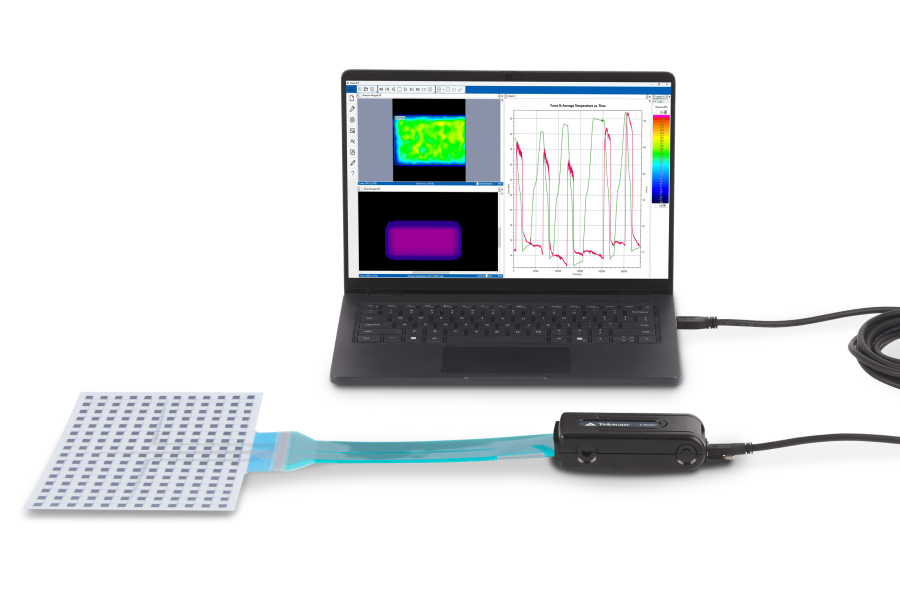
In order to obtain the pressure data, data acquisition electronics scan the thousands of sensing points within each sensor. The data is instantly relayed to the software on your PC via a USB cable. Our sensors can be scanned at up to 1,600,000 sensing elements/second.
I-Scan™ offers different options for data acquisition electronics. To help you choose the best fit for your application, explore the configurations below or download the I-Scan Product Selection Guide for more detailed information and specifications on the various system options, features, and configurations.
I-Scan Product Selection Guide
Evolution™STANDARD USB Up to 100 Hz
For use in standard applications
|
VersaTek™HIGH SPEED USB Up to 20,000 Hz
For use in high-speed applications or for sensors with higher resolution over large areas |
WirelessVERSATEK WIRELESS UNIT Up to 4,600 Hz
Wirelessly transmit data to PC for remote data collection (up to 100m) |
DataloggerVERSATEK DATALOGGER UNIT Up to 20,000 Hz
Collect data onto Datalogger Unit and upload to PC after data collection. For wireless use at higher speeds & noisy environments |
For use in standard applications. Up to 100Hz scanning speed.
![]() |
|
For use in high-speed applications or for sensors with higher resolution over large areas. Up to 20,000 Hz scanning speeds.
|
|
|
Wirelessly transmit data to PC for remote data collection (up to 100 m). Up to 4,600 Hz scanning speeds.
|
|
|
Collect data onto Datalogger Unit and upload to PC after data collection. For wireless use at higher speeds & noisy environments. Up to 20,000 Hz scanning speed.
|
|
|
|
|
Evolution (Standard USB) |
VersaTek (High Speed USB) |
Wireless (VersaTek Wireless) |
Datalogger (VersaTek Datalogger) |
|
Data Acquisition Electronics |
||||
|
Maximum Scanning Speed |
100 Hz |
20,000 Hz |
4,600 Hz |
20,000 Hz |
|
Cross Handle Scanning |
No |
Up to 8 |
Up to 2 |
Up to 2 |
|
Pulse-Per-Frame Synchronization |
No |
in & out |
in & out |
in & out |
|
Adjustable Sensitivity |
x 3 to 1/7 of Sensor Pressure Rating |
x 7 to 1/3 of Sensor Pressure Rating |
|
Power Source |
USB Port of PC |
100-240V Power Supply |
Li-Ion Battery: 8V, 2.4A or Power Supply: 100-240V |
|
Maximum Handle Cable Length |
5.0 m (16.4 ft.) |
30.48 m (100 ft.) |
30.48 m (100 ft.) |
30.48 m (100 ft.) |
|
Maximum Hub Cable Length |
n/a |
5.0 m (16.4 ft.) |
5.0 m (16.4 ft.) |
5.0 m (16.4 ft.) |
Additional items may be included with your system purchase.
Over 200 flexible, thin film tactile pressure sensors are available in different sizes, shapes, resolutions, temperature ratings, and pressure ranges (up to 25,000 psi or 1,700 bar).
![]() |
![]() |
![]() |
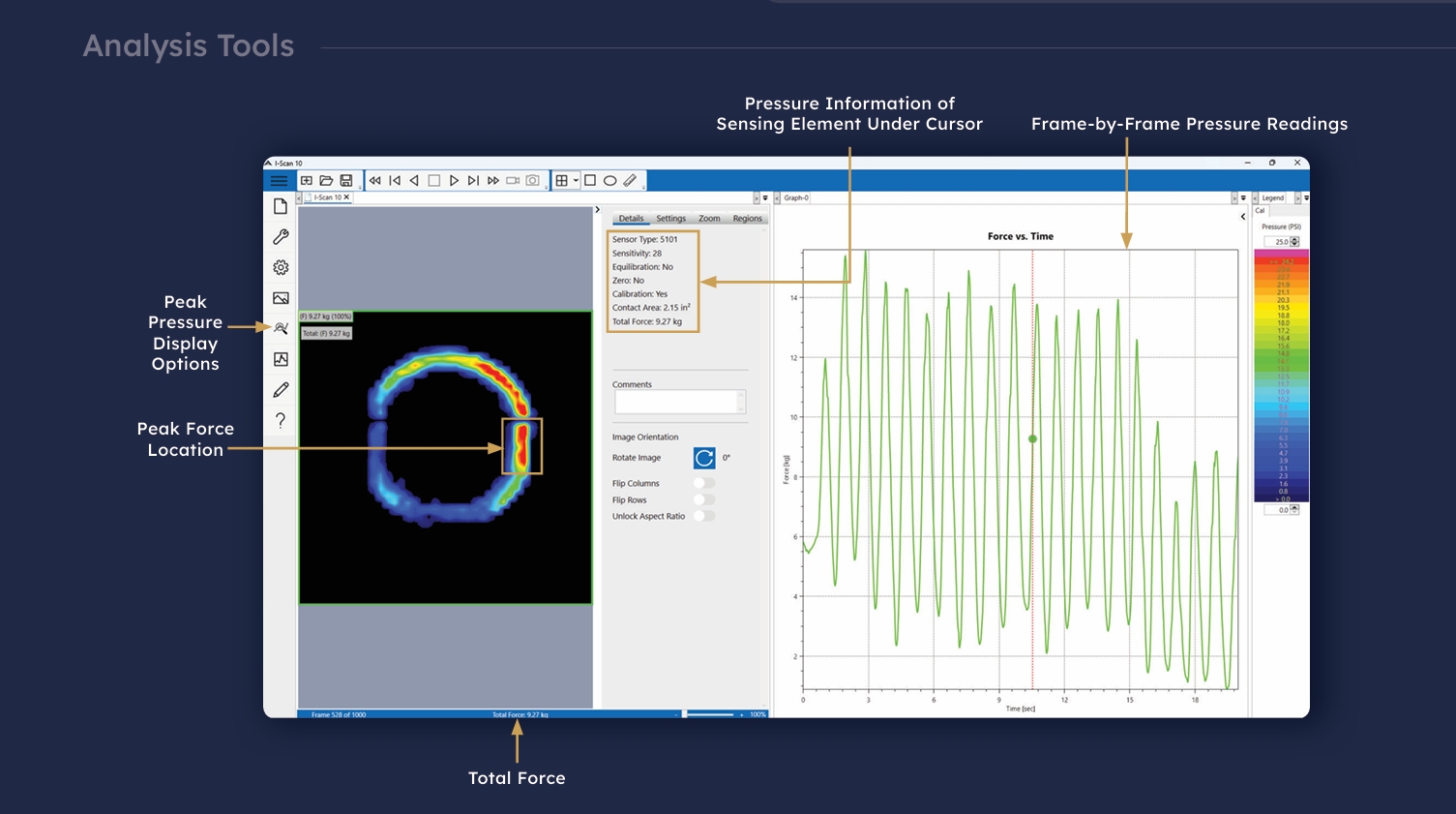
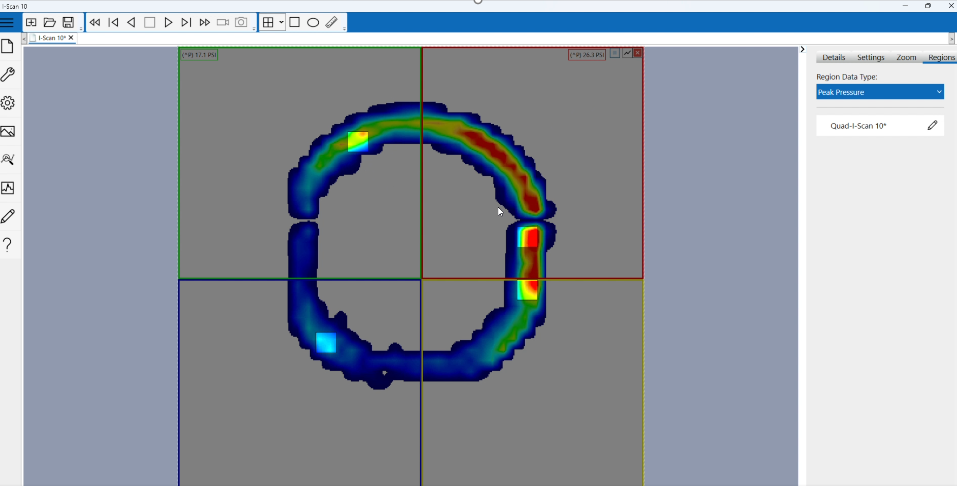
Standard I-Scan software window displaying the pressure distribution between a brake pad and rotor.
I-Scan™ provides the tools for more comprehensive and higher quality analysis than ordinary pressure sensing technologies.
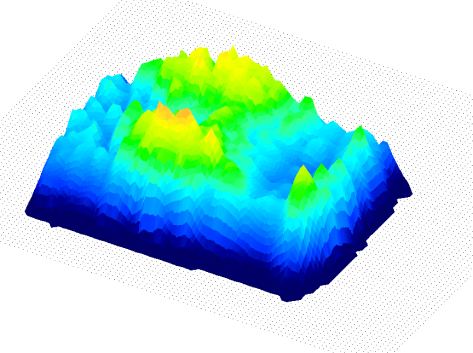
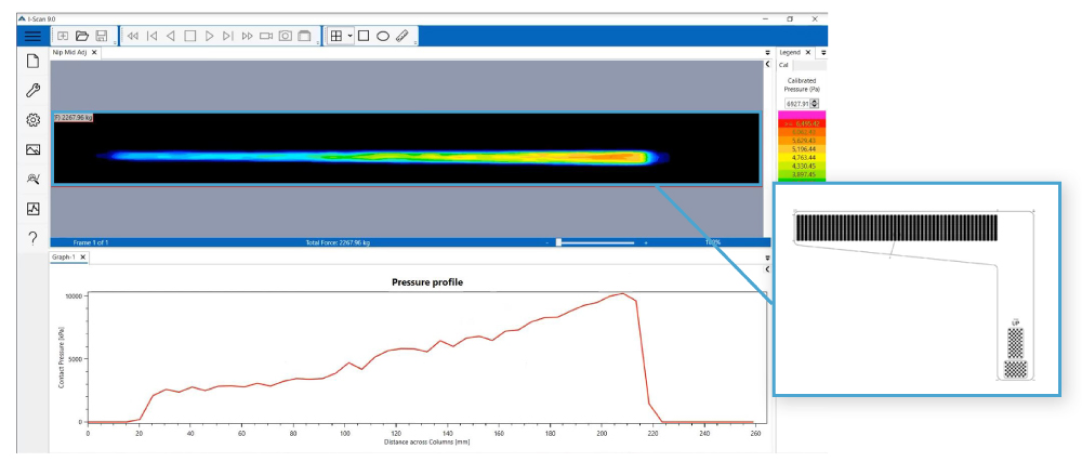
The software displays the pressure distribution data, in multiple formats, for superior analysis. Data and imagery of the pressure distribution are shown in real-time with the ability to record, play back, and save FSX movies. The user has the option to create and customize graphs from the corresponding movie data or export as an ASCII file for use with other programs.
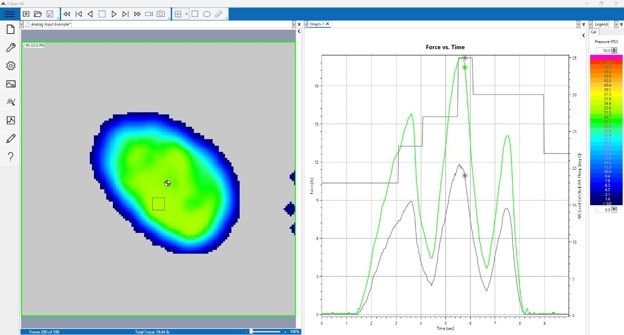
2D pressure output with Force vs Time graph
Force vs. time graph – the cursor at 3 seconds correlates to the pressure output on the left. Users can click any point in time along the x-axis to view the resulting pressure output image.

Data available from each frame:
Each sensor requires its own unique MAP driver file for the software to function properly. By utilizing sensor MAPs, the software is able to provide an accurate depiction of each unique sensor layout. The sensor MAP controls the shape of the pressure image window in the software, which corresponds to the shape and dimensions of the sensing area on the sensor.

Select among three Interpolation views:
Level 1 (1 x 1 No Interpolation)
Level 3 (3 x 3 Interpolation)
Level 5 (5 x 5 Interpolation)
1 x 1 No Interpolation |
3 x 3 Interpolation |
5 x 5 Interpolation |
I-Scan includes the new Property Table feature. Property Table makes it easier to access sensor data, by allowing you to view data as an integrated Microsoft Excel table*. Data can be viewed and graphed within a single Excel spreadsheet from within the Tekscan software. Formulas can be added to the table to provide application specific values. Customize Excel calculations, sort, and format from directly inside the Tekscan software.

I-Scan Evolution software can run from a tablet operating on Windows 7 and up. This feature makes your I-Scan system more portable and provides other capabilities, including:
Requirements include:
The software is available in several languages including Spanish, French and German. View software languages available.
Data Acquisition Electronics connect to the sensor to scan the sensing elements and digitally send data to a PC. Electronics are included with a system, but additional equipment may be needed for more complex applications. System breakdown and product specs can be found on the configurations tab.
Some system add-ons require hardware to interface with external inputs. A complete list of system add-ons can be found on the add-ons tab.
Sensors can now be used in hard to reach places and applications that require the electronics to be at a greater distance from the sensor.
Optional add-on packages are available to provide additional functionality to pressure mapping systems. The features streamline data acqusition, interface with 3rd party devices, or synchronize pressure mapping recordings with video.
Some system add-ons require hardware so users and external devices can interface with the pressure mapping system.
The equilibration process compensates for any variation or uneven output across individual sensing elements caused by manufacturing or repeated used of the sensor.
Different options for data acquisition electronics, software add-ons, and standard and custom sensors make the I-Scan™ System extremely versatile, creating endless possibilities for applications. Here are some examples of unique applications:
|
Materials Rehology (Deformation & Flow) Testing & Analysis |
Microprocessor LGA, BGA, Heatsink, Burn-in Test Socket |
Heat Sink - Clamp Design Custom Sensor- Standard Temp |
|
High Pressure Washer |
Handheld Sandblaster, Shot-peening |
Battery Cell Clamp Design Validation |
|
Carbon Fiber Composite Material Layup |
Rifle Recoil Testing |
Medical Device - R&D Dermamounted Monitor |
There have been a number of research projects conducted where Tekscan's pressure measurement technology has played a crucial role. To view the list of these research studies:
Download the the bibliography for Pressure Mapping Applications
To print this web page, please use our "share" tools.