


Digital Occlusal Analysis
Nearly EVERY dental procedure performed impacts occlusion! Poor occlusion affects quality of life. T-Scan is a tool used by dentists to restore this quality of life.
 Skip to main content
Have questions? Contact Us
Nearly EVERY dental procedure performed impacts occlusion! Poor occlusion affects quality of life. T-Scan is a tool used by dentists to restore this quality of life.
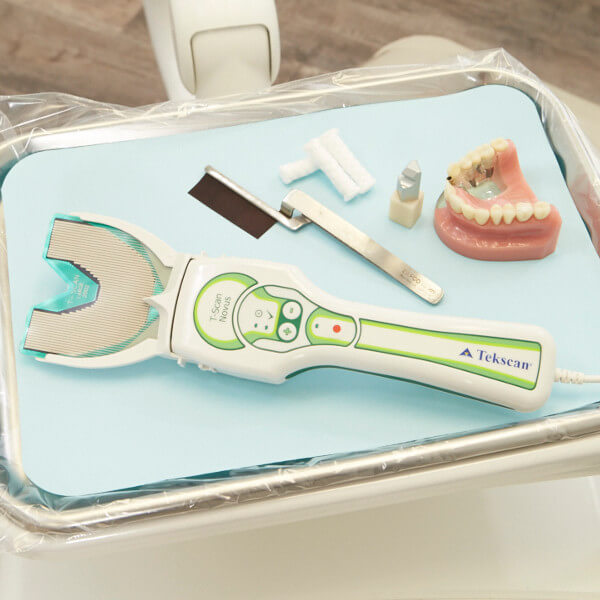
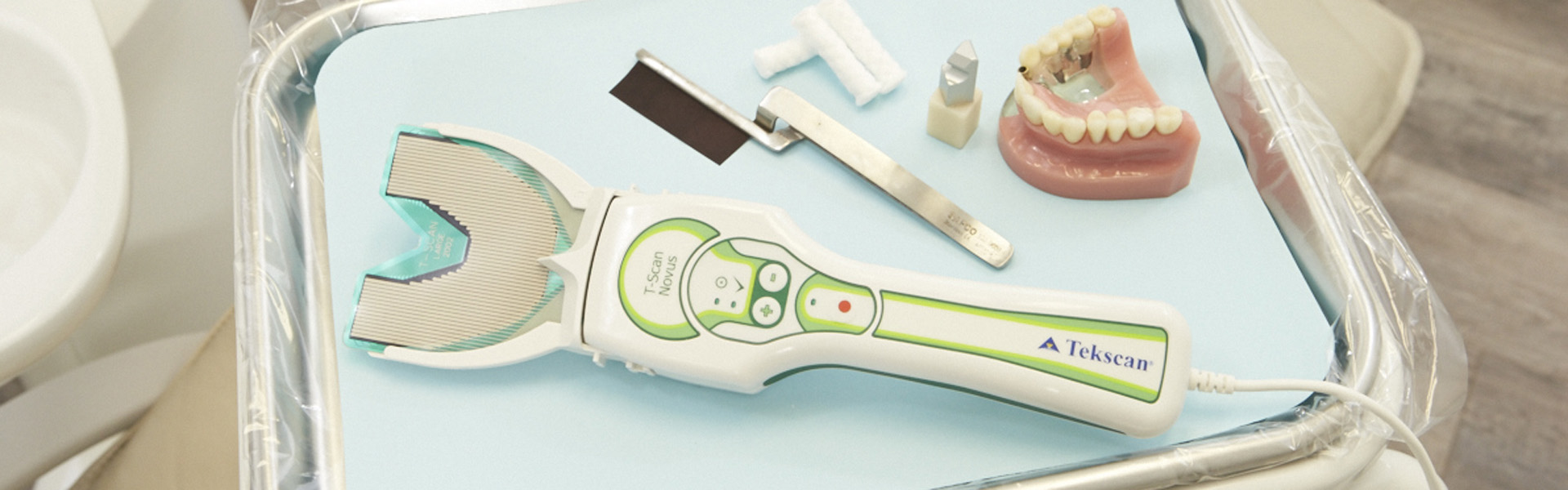
T-Scan™ provides dynamic occlusal measurement - revealing the level and timing of force on individual teeth and the occlusal stability of the overall bite.
|
Using T-Scan you can:
|
See more T-Scan videos on our YouTube channel, or on Facebook!
|
Articulating paper shows where contact is made, but not when and with how much force. T-Scan is the only technology that shows the measured force and the timing of occlusal surfaces coming together. Combining these two tools can paint a clear picture of the patient's bite.
 |
 |
 |
|
|
|
(1) Kerstein, R.B., and Radke, J. Clinician Accuracy When Subjectively Interpreting Articulating Paper Markings, The Journal of Craniomandibular & Sleep Practice, 2013, VOL. 32 NO. 1
Are You a Dentist? |
Are You a Patient? |
|
BUY T-SCAN SENSORS AND ACCESSORIES |
T-SCAN TRAINING AND EVENTS |
FIND A T-SCAN DENTIST IN YOUR AREA |
There's a T-Scan solution for every practiceThe T-Scan is an objective assessment system that enhances patient education, satisfaction, and retention, reduces costly repeat visits and remakes, and enables a more confident, proactive approach to patient care. With T-Scan’s digital bite force data, clinicians can pinpoint occlusal interferences, quickly remove them, and treat patients with greater accuracy than ever before.
|
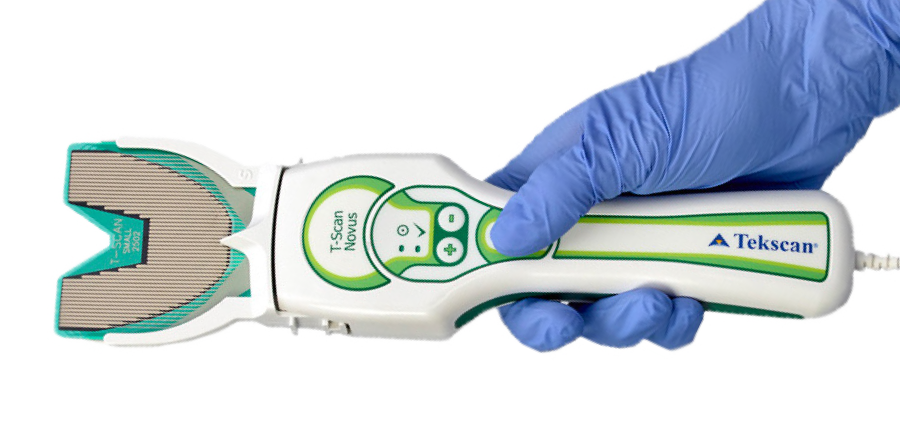 Both T-Scan Novus system offerings utilize the T-Scan Novus handpiece and accessories. Both T-Scan Novus system offerings utilize the T-Scan Novus handpiece and accessories. |
 |
 |
|
|
| Learn About T-Scan Novus Core | Learn About T-Scan Novus |
Patients have been impacted the most in my practice. They get it, and they love it! When they see their bite data on the screen, they understand because they correlate the forces on the screen to what they feel in their mouths. They feel so proud when they take a good scan that comes back balanced, because that's what they're feeling, too. They see T-Scan in our practice and ask, 'how come other dentists don't have this?' And my answer is that we make an effort to continuously evolve and improve the practice.
Dr. James Downs
T-Scan has been adopted by industry-leading Continuing Education groups. We are proud to work with some of the most knowledgeable and highly respected continuing education groups in dentistry today.
Learn More about our CE Partners.
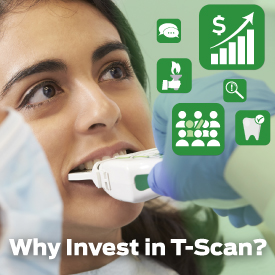
With T-Scan as part of your digital toolkit, you have the ability to generate ROI in the form of improved treatment outcomes, new patients and referrals, and an additional revenue stream to your practice.
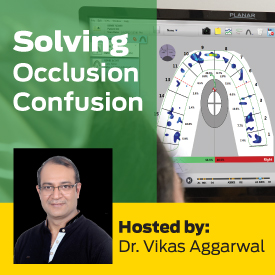
In this webinar, Dr. Vikas Aggarwal shares his solution for treating patients suffering from common occlusal challenges, including pain from teeth sensitivity, frequent dislodgement of crowns, ceramic fractures, and more.
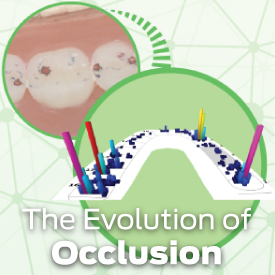
With T-Scan’s ability to measure both bite force and timing, Dr. Robert Kerstein (DMD) evolved his way of thinking, which paid him back with increased case acceptances, improved outcomes, and practice growth. He shares his story in this on-demand webinar.
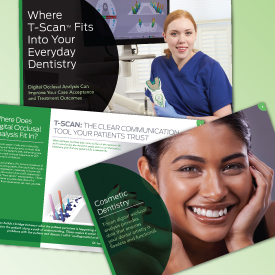
T-Scan fits everywhere, because occlusion affects everyone! Dentists are using T-Scan at every stage of the treatment plan, regardless of treatment philosophy, to increase patient case acceptance, and treatment outcomes. This eBook covers several real-world applications.
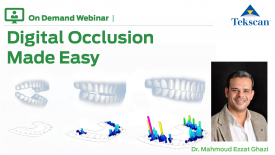
How a digital workflow aids in transforming complicated occlusion cases into simple restorative cases, by replacing analogue equipment with a predictable digital workflow.